

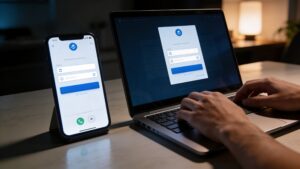
How to Set Up Multi-Factor Authentication on Any Account (Step-by-Step)
Lock down your digital life with this complete step-by-step guide to multi-factor authentication. Learn how to secure any account, avoid common mistakes, and stay ahead of modern cyber threats.
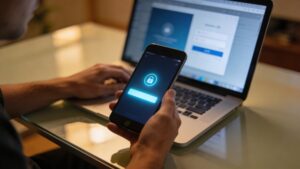
What Is Multi-Factor Authentication (MFA) and Why You Need It Today
Multi-factor authentication adds a powerful layer of security beyond passwords alone. Discover how MFA works, why it matters, and how it helps stop modern account hacks.

MFA vs 2FA: What’s the Real Difference and Which Should You Use?
MFA vs 2FA: What’s the Real Difference and Which Should You Use? framed for everyday users and small-office decision makers who see MFA and 2FA used interchangeably and need a clear choice, with examples from bank logins, work email, cloud storage, authenticator apps, hardware tokens, fingerprint readers and a practical path for action.

The Complete Beginner’s Guide to Multi-Factor Authentication
The Complete Beginner’s Guide to Multi-Factor Authentication framed for beginners enabling MFA for the first time on personal and work-adjacent accounts, with examples from authenticator enrollment, backup codes, lost phones, trusted devices, email recovery, travel logins and a practical path for action.